Burning Bridges AI Party Video Example
Watch an 18-second silent party motion test. See the fictional source portrait, prepared-image workflow and how it differs from the current studio.
This is the existing Kling Motion Control Pro test, featuring a fictional adult woman. It is a silent clip of about 18 seconds. Watch the whole performance, then read the input and test details below.
How this example was made
The fictional portrait below was used to prepare a separate party scene image. That prepared image and an 18.375-second motion reference were submitted to Kling V3 Motion Control Pro through Replicate. The model produced the video; the web preview was compressed from that output.
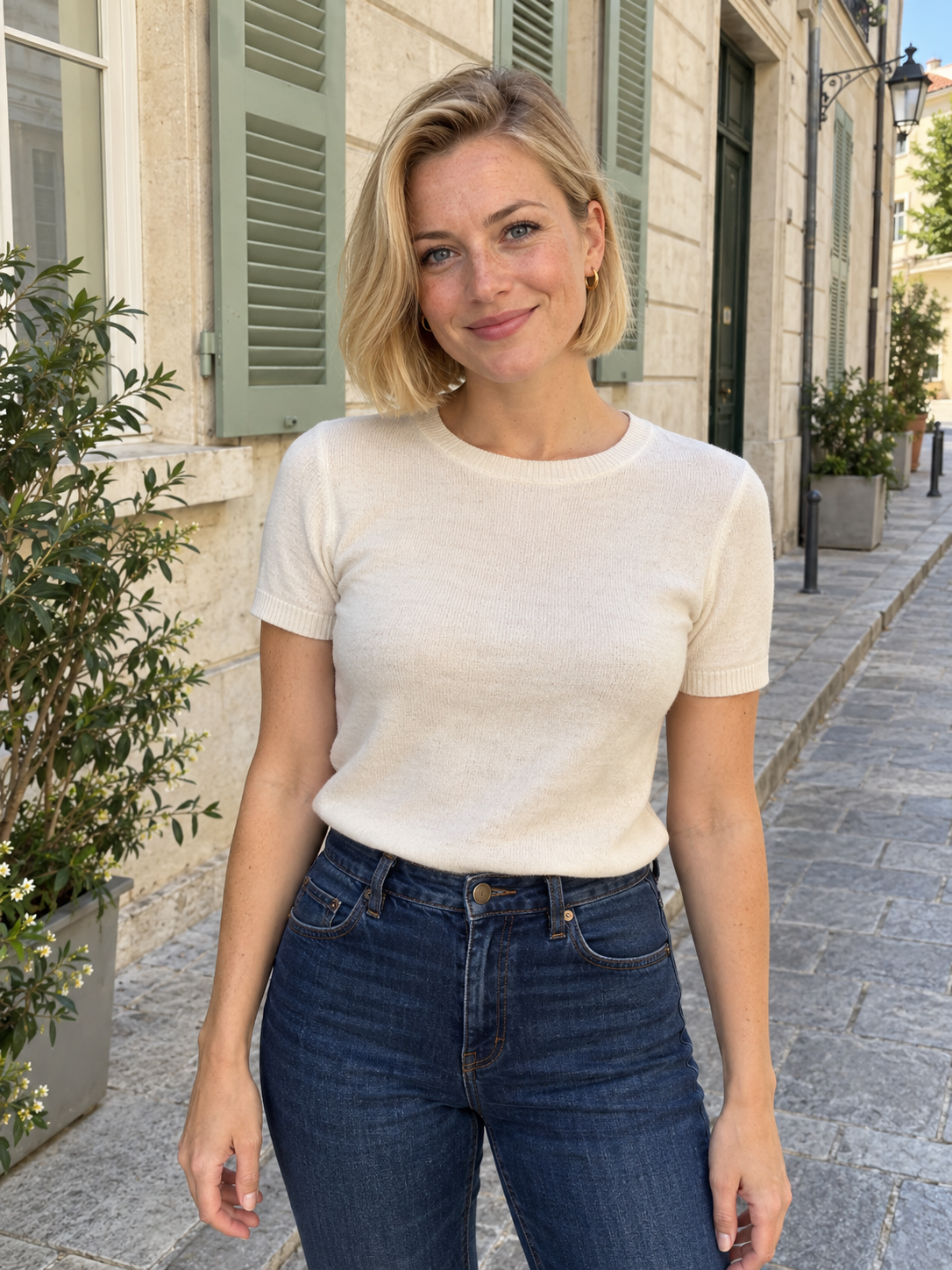
The portrait is the starting source, not the exact image submitted to the video model in this test. This is not a customer result or a paid testimonial.
Actual preview specifications
- Duration: 18.333 seconds.
- Preview dimensions: 1280 × 732 pixels, at 30 frames per second.
- File: MP4, H.264 video, no audio track.
- The original model output was 1904 × 1088 pixels; this page plays a smaller web copy.
What to look for while watching
Check the collar reach, turn, hand above the eyebrows and open-palm wave. Compare the face before and after the turn. Look closely at the fingers, neckline and cup when hands cross the body. Also check whether the lead remains readable against the crowd and party lighting.
This clip shows one result under one set of conditions. It is useful for understanding the reference performance, but it does not establish that every photo will preserve the same face, clothing or room details.
How today’s studio differs
The current studio sends your browser-resized photo directly with the preset motion video to Kling V3 Motion Control Standard. It does not create the party preparation image used in this example. Its target is a roughly 18-second, 720p silent MP4, with framing based on your photo.
The current direct-photo workflow has not been verified by this Pro test. Read the photo guide before choosing your input and review your own result before sharing.
Make a video in the studio, read the complete tutorial, or learn about the trend and requested gestures.